
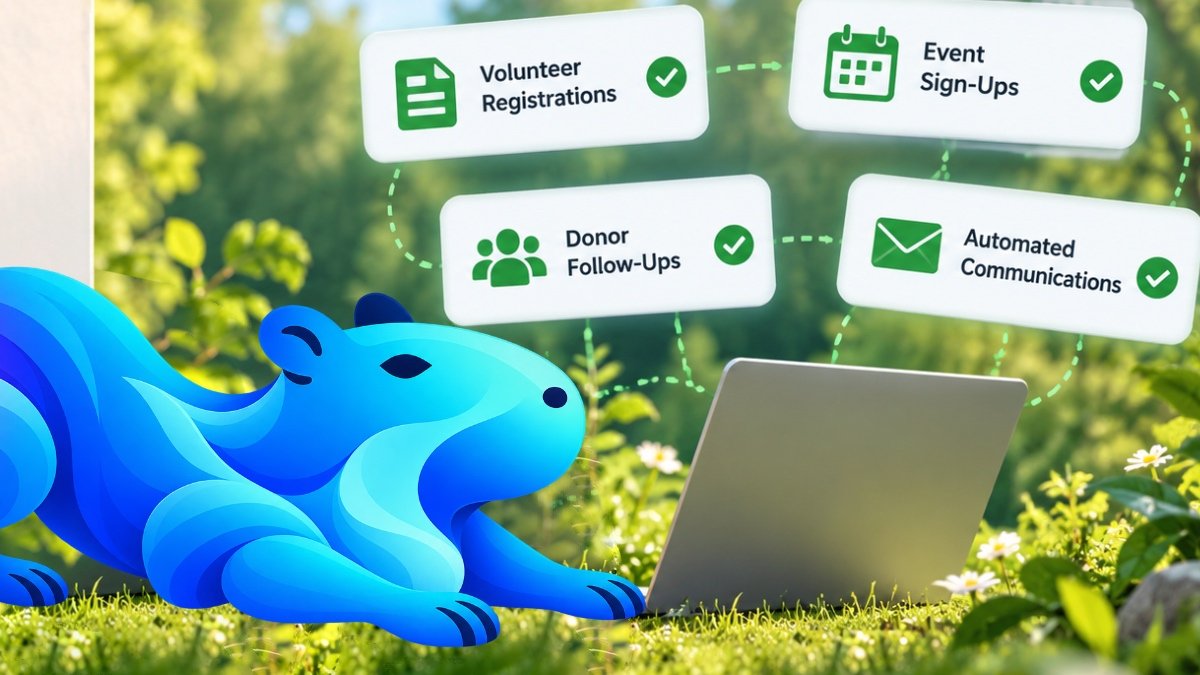
Running a nonprofit in Toronto often means doing a lot with a small team. One person might be answering emails, coordinating volunteers, updating donor records, organizing events and preparing reports—all in the same afternoon.
If that sounds familiar, automation may help. And no, you don’t need a technology department, a complicated AI system or a huge budget to get started.
Nonprofit automation simply means letting software handle repeatable steps so your people can spend more time supporting your mission. This beginner-friendly guide explains what that looks like, which tasks to start with and how to avoid making things more complicated.
First, what does automation actually mean?
Imagine someone signs up to volunteer at your next community event. Right now, a staff member might need to open the email, copy the person’s details into a spreadsheet, send a confirmation and remember to follow up before the event.
With a simple automated process, the volunteer completes one online form. Their details are added to an organized list, they receive a confirmation email, and the coordinator gets a notification. A reminder can be scheduled before the event.
That’s automation. It’s not about replacing staff or volunteers. It’s about removing the repetitive steps between people and the work they care about.
7 everyday nonprofit tasks you can automate
1. Volunteer registration and reminders
The manual way: Volunteers email their availability, someone copies the details into a spreadsheet, and reminders are sent one by one.
The automated way: A volunteer fills out an online form, their information goes into a central list, and they receive a confirmation. Event reminders are sent automatically at the appropriate time.
Start here: Try automating registration for just one upcoming event before changing your entire volunteer program.
2. Donor thank-you messages and record updates
The manual way: A donation arrives, a team member updates a spreadsheet, and someone drafts a thank-you email later.
The automated way: A connected donation platform can update donor records and trigger an appropriate thank-you message, while staff handle personal outreach when it matters most.
Important: A thank-you email is not the same as an official charitable tax receipt. If your organization issues tax receipts, use a process that meets Canada Revenue Agency requirements and verify the details before relying on automatic receipting.
3. Event registrations and attendance lists
The manual way: Registrations arrive through several email threads, and the attendee list has to be rebuilt every few days.
The automated way: One registration form collects the information, updates an attendee list and sends a confirmation with the event details.
Start here: Pick a recurring workshop, fundraiser or information session where the same questions come up every time.
4. Program applications and intake forms
The manual way: Applicants email documents, staff follow up for missing fields, and information gets scattered across inboxes.
The automated way: A structured online form asks the right questions, confirms submission and routes the application to authorized reviewers.
For sensitive applications—especially those involving children, health, finances or personal circumstances—access permissions, secure storage, retention rules and human review matter as much as convenience.
Explore Flowmore’s custom forms and approval systems for examples of how a more organized process can work.
5. General inquiries and frequently asked questions
The manual way: Staff answer the same questions about hours, eligibility, registration or locations over and over.
The automated way: A clear FAQ page, an automatic acknowledgment or a carefully configured website assistant helps visitors find routine information. Questions needing judgment or empathy go to a real person.
Automation should never make it difficult for someone to reach your organization, particularly when they need urgent or sensitive support.
6. Grant deadlines and internal approvals
The manual way: Deadlines live in someone’s calendar, documents are emailed back and forth, and approvals are easy to lose track of.
The automated way: A shared tracker can notify the right people before deadlines, collect drafts in one place and route requests for approval.
AI may help brainstorm or edit grant language, but a knowledgeable team member should verify facts, funding criteria, budgets and final submissions.
7. Monthly reports and board updates
The manual way: Someone gathers registration counts, donation totals and program activity from several spreadsheets each month.
The automated way: Connected systems can pull routine figures into a dashboard or draft report for staff to review.
Start here: Choose three numbers your board regularly asks for and make sure they’re collected consistently before building a larger dashboard.
What could a simple automated workflow look like?
Here’s a realistic example for a small Toronto nonprofit running a free community workshop:
- A visitor opens the workshop registration form on your website.
- They enter their name, email and preferred session.
- The system adds the registration to an approved attendee list.
- The visitor receives a confirmation with the date and location.
- The program coordinator receives a notification.
- A reminder goes out before the workshop, where appropriate and with suitable consent.
- After the event, staff can send an optional feedback survey.
Instead of seven disconnected manual steps, the team oversees one organized process. Staff still make the important decisions and remain available to participants.
Do Toronto nonprofits need AI to automate?
No. Many useful automations don’t need AI at all. Forms, email confirmations, calendar reminders, shared databases and approval notifications can be built using conventional software.
AI becomes useful when a task involves understanding or summarizing information, such as helping staff search approved internal resources or prepare a first draft of routine communications. It should not be trusted to make unsupervised decisions about eligibility, funding, safeguarding or sensitive client services.
If you’re unsure which approach fits, Flowmore’s AI consulting and implementation service can help distinguish practical automation from unnecessary complexity.
How to get started without overwhelming your team
Step 1: Write down one repetitive task
Ask staff and volunteers: “What do we repeat every week that takes time but doesn’t require a difficult decision?” Look for tasks involving copying information, sending standard messages or tracking routine requests.
Step 2: Count the steps and the time
Write down where information comes from, who touches it and what happens next. Even a rough estimate—such as 10 minutes per registration—helps you decide whether the change is worthwhile.
Step 3: Start with one small workflow
Choose something low-risk, such as event confirmations or volunteer reminders. Don’t begin with your most sensitive program applications.
Step 4: Test with real people
Have a staff member and a volunteer try the new process. Check what happens if someone makes a mistake, doesn’t receive an email or needs help without using an online form.
Step 5: Review, improve and expand
After a few weeks, ask whether the process actually saved time and improved the experience. Keep what works. Fix what doesn’t. Then consider a second workflow.
Flowmore’s business process automation service focuses on identifying and connecting these everyday steps.
What about budgets, privacy and staff training?
Nonprofits need solutions that are affordable to maintain—not just impressive in a demonstration. Before choosing software, check ongoing subscription costs, whether it works with tools you already use, and who will maintain it when staff or volunteers change.
Be careful with donor, volunteer and program-participant information. Canadian privacy obligations depend on the organization and activity; nonprofit status does not automatically settle every legal question. Even where federal PIPEDA rules do not apply, sensible privacy practices remain important: collect only necessary information, limit access, protect accounts and avoid entering confidential records into unapproved AI tools.
For connected donor records and communications, see Flowmore’s CRM integration and customer automation solutions.
How Flowmore can help Toronto nonprofits
You don’t need to arrive with a technical specification. Start by describing what your team does today, where things get stuck and what you’d like to make easier.
Flowmore works with nonprofits and charities on practical improvements such as digital intake forms, volunteer workflows, organized contact records, automated follow-ups and internal approval systems. We start with the problem, not with a promise that every organization needs AI.
Learn more about our automation solutions for nonprofits and charities, or tell us about a process your team wants to simplify. Based in Toronto, Flowmore can also work with organizations across Canada and internationally.
Frequently asked questions
Can a small nonprofit automate tasks without an IT department?
Yes. Many simple workflows use familiar forms, email and calendar tools. The key is choosing a manageable first project and making sure someone can maintain it.
What is the easiest nonprofit task to automate first?
Event confirmations, volunteer registrations and routine internal reminders are often good starting points because the steps are repetitive and easy to test.
Will automation replace our volunteers or staff?
It doesn’t have to. A well-designed process removes repetitive administration while keeping people responsible for relationships, decisions and care.
Is nonprofit automation expensive?
Costs depend on the tools, integrations, security needs and complexity. Some basic improvements can use existing subscriptions; more customized workflows require planning and ongoing maintenance. See Flowmore’s pricing guide for general project ranges.
Can we automate donor tax receipts?
Some donation platforms support receipting, but only eligible organizations should issue official charitable receipts, and those receipts must meet Canada Revenue Agency requirements. Have the setup checked before relying on it.
What if our organization isn’t based in Toronto?
The same principles apply to nonprofits across Ontario, Canada and elsewhere. Many workflows can be planned and implemented remotely.
Start with one task, not a complete transformation
You don’t need to automate everything to see a difference. Pick one repetitive task, make it easier for your team and the people you serve, and build from there. The best automation is the kind your organization can understand, trust and actually use.
Ready to explore a first step? Contact Flowmore about nonprofit automation.